Google Jules and Google Antigravity are both coding agents, but they fit different parts of a development workflow. Jules takes a task against a connected GitHub repository, runs it in a fresh cloud virtual machine and returns a plan, diff and pull request. Antigravity is a broader local agent environment: its app, CLI and IDE can coordinate agents across projects, worktrees, the terminal and the browser.
Applies to Google’s public Jules and Antigravity documentation checked October 15, 2026. Product surfaces, models and limits can change; confirm the linked pages before adopting either tool.
On this page
The short answer
Choose Jules when the unit of work is a GitHub repository and the result should come back as a reviewable pull request. Choose Antigravity when you want an interactive local command center for agents that may work across folders, use the browser, run in parallel or continue through several local surfaces.
That is a workflow distinction, not a quality ranking. The two products expose different environments and controls, so the safer comparison starts with where the code runs and what you need to review.
| Question | Jules | Antigravity |
|---|---|---|
| Primary environment | Fresh cloud VM for each task | Local app, CLI, SDK or IDE |
| Repository link | Connects to GitHub repositories and branches | Works in projects, folders and Git worktrees |
| Typical handoff | Plan, diff and GitHub pull request | Conversation artifacts, diffs, plans and browser recordings |
| Parallel work | Paid plans publish higher concurrent-task limits | App and IDE support parallel local agents and subagents |
| Browser work | Not presented as the central workflow | Built-in browser agent and Chrome DevTools integration |
| Default execution boundary | Isolated cloud VM | Project folders with interactive approvals by default |
| Best fit | Asynchronous repository tasks | Interactive, multi-surface local development |
How Jules runs a task
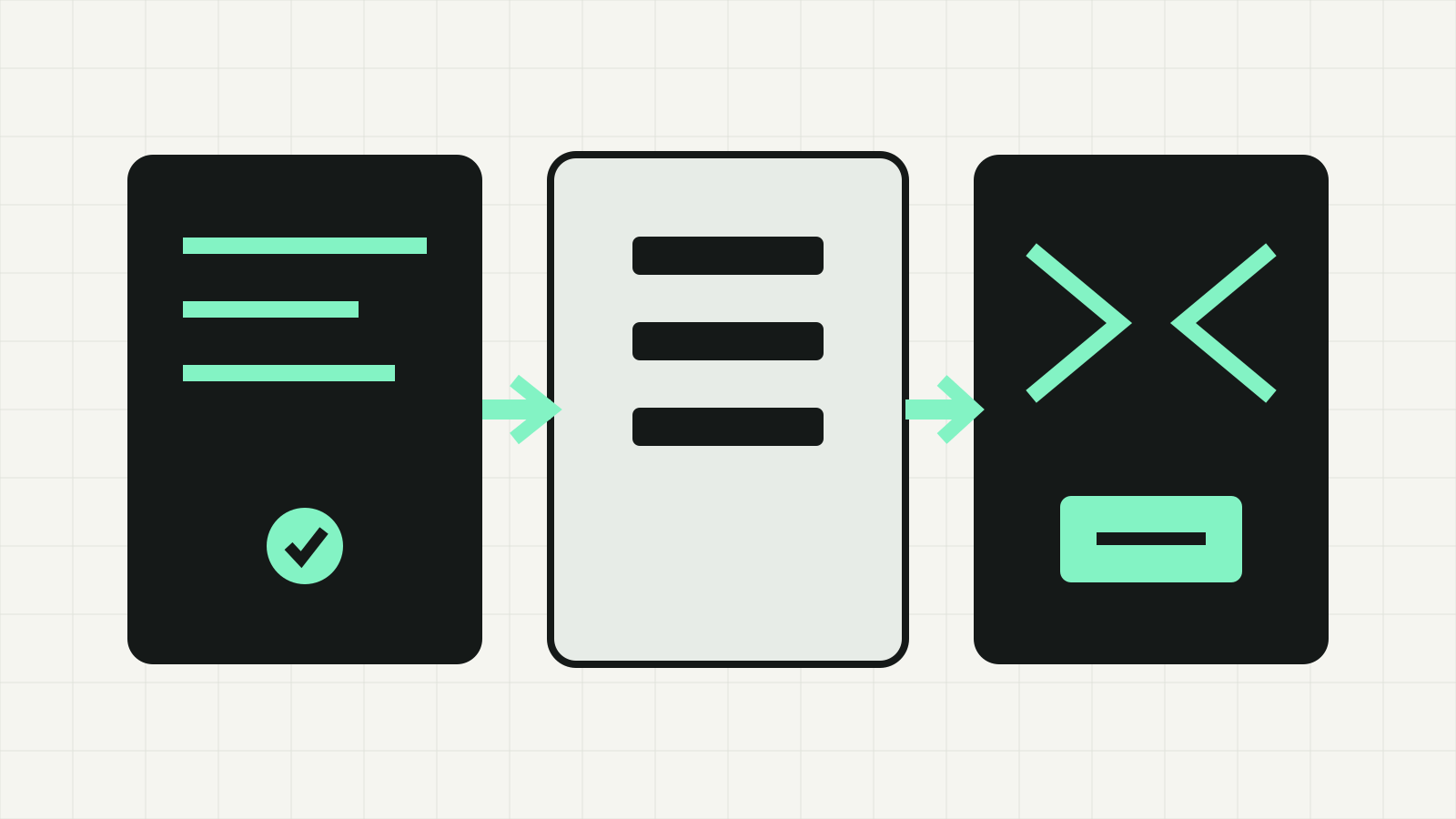
Google’s Jules getting-started guide describes a repository-first flow. You sign in, connect GitHub, choose a repository and branch, write a task, and optionally provide environment setup scripts. Jules clones the repository into a fresh virtual machine, installs dependencies and prepares a plan. You can review and approve that plan before it changes code.
The Jules product page then shows the later stages: inspect the diff, approve the edits and let Jules open a pull request. This makes the review boundary familiar to teams already working through GitHub.
Jules also reads a root-level AGENTS.md file. That is useful when a repository has specific build commands, conventions or tool instructions. Keep the file current and still review the generated plan; an instruction file helps supply context but does not prove the resulting patch is correct.
The Jules FAQ says each task runs in a cloud VM with internet access. Do not commit API keys, tokens or other credentials to a repository for the agent to find. The same page says long-running processes such as development servers and watch scripts are not supported in setup scripts. Prefer discrete install, build and test commands.
How Antigravity works
Google describes Antigravity as a family of local surfaces rather than a single repository service. The Antigravity home page lists a desktop app, terminal CLI, Python SDK and IDE. They share an agent harness, but the interfaces are designed for different jobs.
The app is the command center for projects, workspaces and worktrees. The CLI provides a terminal interface, including SSH-friendly use. The IDE combines an editor with agents, browser control and autocomplete. The SDK is for developers who need custom tools, lifecycle hooks or programmatic safety policies.
Antigravity’s IDE overview emphasizes asynchronous local agents, parallel work across workspaces and structured artifacts. Those artifacts can include plans, code diffs, diagrams and browser recordings. This is useful when the work cannot be reduced to one patch—for example, a change that also requires inspecting a dashboard or verifying a web interface.
Isolation and permissions are different
Jules isolates a task in a fresh cloud VM. Antigravity instead applies local project boundaries and permission prompts. Its feature overview says the default project boundary limits read and write access to the provided folders and asks for permission before terminal commands. Broader “Full machine” and “Unrestricted” presets are available, but expanding access also expands the consequence of a mistaken command.
Antigravity projects can use Git worktrees so background agents operate in isolated folders. They can also span multiple folders when a task genuinely crosses repositories. Treat that as a deliberate configuration choice, not a convenience toggle.
For either product:
- Start with the smallest repository or folder scope needed.
- Remove credentials from code and setup scripts.
- Ask for a plan with named files and verification steps.
- Review the diff, test output and any external action separately.
- Keep production deployment outside the agent task unless you have an explicit approval process.
For broader agent controls, see Is Cursor AI safe? and Claude Code sandbox: files, network and strict mode. The settings differ, but the same review questions apply.
Plans and limits
Jules publishes task and concurrency limits on its product page. At the time checked, the no-cost tier listed 15 tasks per day and three concurrent tasks. Higher tiers listed 100 daily tasks with 15 concurrent tasks and 300 daily tasks with 60 concurrent tasks. Model access differed by tier.
Those numbers describe Jules capacity, not Antigravity capacity. Do not infer one product’s limits from the other. Google’s Antigravity documentation reviewed for this guide presents its surfaces and capabilities but does not provide a directly comparable Jules-style task table on the pages cited here.
If price or quota is the deciding factor, check the live account page before choosing. Published limits can change, and an account’s actual entitlement is stronger evidence than a comparison article.
Which one should you use?
Use Jules for work such as:
- a dependency update in one GitHub repository;
- a scoped bug fix with tests;
- a small migration that should arrive as a pull request;
- several independent repository tasks you can review later.
Use Antigravity for work such as:
- coordinating agents across worktrees or multiple folders;
- an interactive coding session that moves between editor and terminal;
- browser-assisted verification;
- local workflows that need custom hooks, tools or scheduled tasks.
There is no requirement to standardize on only one. A team could use Antigravity for interactive local investigation and Jules for an isolated follow-up task that should become a pull request. If you combine them, avoid assigning the same files to both at once. Use separate branches or worktrees, name the owner of each task and review the actual repository state before merging.