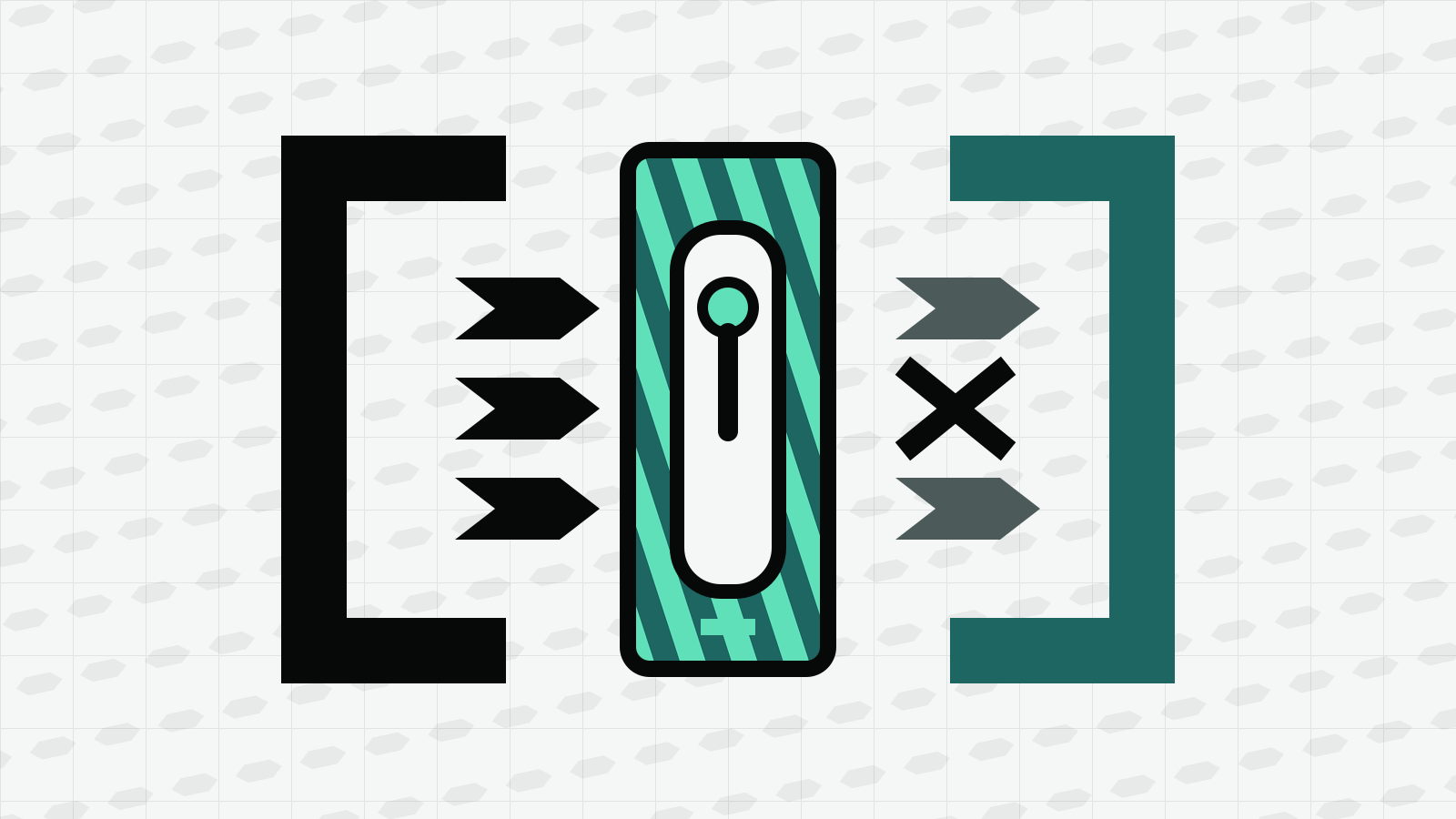
Claude Code’s sandbox restricts Bash, PowerShell and Monitor commands and any child processes they start. It is off by default, and file tools, web tools, MCP servers and hooks remain outside its boundary.
{
  "sandbox": {
    "enabled": true,
    "allowUnsandboxedCommands": false,
    "failIfUnavailable": true
  }
}
Applies to: Claude Code 2.1.296 and the Claude Code sandbox documentation as of October 11, 2026. Last checked: October 11, 2026.
On this page
What does the Claude Code sandbox protect?
The sandbox uses operating-system controls around shell commands. On macOS it uses Seatbelt. On Linux and WSL2 it uses bubblewrap for filesystem isolation and socat to relay network traffic through a local proxy. Native Windows does not support the built-in sandbox; Anthropic directs Windows users who need it to run Claude Code inside WSL2.
The default boundary is not a sealed container:
| Resource | Default inside the sandbox |
|---|---|
| Writes | Working directory, a per-user temporary directory and directories added with --add-dir, /add-dir or permissions.additionalDirectories |
| Reads | Most of the machine, including credential files, unless you add read restrictions |
| Network | No direct route; requests go through a host proxy and are checked against the domain rules |
| Environment | Inherits Claude Code’s environment variables, including secrets, unless you configure credential handling or environment scrubbing |
This distinction matters. Sandboxing limits what a shell command can reach after it starts. Permission rules decide whether a tool call may start and whether you are asked first. Anthropic recommends using the two as complementary layers rather than treating either as a substitute for the other (permissions and sandboxing).
How do I turn on the sandbox?
Run this inside Claude Code:
/sandbox
The panel lets you choose a mode, decide whether failed commands may retry outside the sandbox and inspect the resolved configuration. A choice made in the panel is stored in .claude/settings.local.json for that project. To enable the sandbox across projects, put the setting in ~/.claude/settings.json:
{
  "sandbox": {
    "enabled": true
  }
}
For one session without changing a file:
claude --settings '{"sandbox":{"enabled":true,"allowUnsandboxedCommands":false}}'
On Linux or WSL2, install the required packages if the Dependencies tab reports them missing:
sudo apt-get install bubblewrap socat
The optional seccomp filter adds Unix-socket blocking. The sandbox documentation says it can be installed through @anthropic-ai/sandbox-runtime; restart Claude Code after installing dependencies so the startup check runs again.
Auto-allow or regular permissions?
Both modes use the same filesystem and network boundary. The difference is approval.
Auto-allow lets a command run without a routine prompt when it stays inside the sandbox. Explicit deny rules still apply, content-specific ask rules such as Bash(git push *) still prompt, and destructive rm or rmdir operations against critical paths keep their separate safeguard.
Regular permissions sends every Bash command through the normal permission flow even when it will run inside the sandbox. It is slower, but useful when you want to review commands as well as limit their reach.
The sandbox is not the same as the --dangerously-skip-permissions flag. Anthropic’s sandbox environment comparison says the built-in Bash sandbox alone is not enough for fully unattended work because file tools, MCP servers and hooks remain outside its boundary. For unattended sessions, use a container, VM or the full sandbox runtime as the outer isolation layer. Our permissions guide explains why skipping prompts changes the threat model.
What is the unsandboxed retry?
A command may fail because the boundary blocks a file or connection. By default, Claude Code can ask to retry that command with the sandbox disabled. The retry uses the dangerouslyDisableSandbox parameter and then follows your permission mode:
- Manual and
acceptEditsmodes show an unsandboxed-command prompt. - Auto mode sends the command to a separate classifier.
dontAskdenies the retry.bypassPermissionscan run the retry without a prompt unless another rule catches it.
For a strict boundary, set:
{
  "sandbox": {
    "enabled": true,
    "allowUnsandboxedCommands": false,
    "failIfUnavailable": true
  }
}
allowUnsandboxedCommands: false turns off the retry. failIfUnavailable: true makes Claude Code exit instead of silently running commands without sandboxing when the platform or a required dependency cannot provide the boundary. These settings solve different gaps, so a deployment that requires sandboxing normally needs both.
Commands listed under sandbox.excludedCommands still run outside the sandbox. Use an exclusion only for a trusted tool that cannot work inside the boundary; granting one path with allowWrite or one host with allowedDomains keeps more of the command inside the sandbox.
How do I allow or block filesystem paths?
By default, commands may write to the working directory, the sandbox’s temporary directory and additional project directories. Add a narrowly scoped path when a build tool needs another location:
{
  "sandbox": {
    "enabled": true,
    "filesystem": {
      "allowWrite": ["~/.kube", "/tmp/build"],
      "denyRead": ["~/.ssh", "~/.aws", "~/.env"]
    }
  }
}
The documented filesystem arrays include allowWrite, denyWrite, denyRead and allowRead. When read rules overlap, the narrower path wins. A narrow deny inside a broad allow therefore stays denied, while a narrow allow can reopen one folder inside a broader denied region.
These rules affect sandboxed shell commands. They do not stop the built-in Read, Edit or Write tools. Protecting a secret from those tools requires the matching permission rule as well. The same separation applies to our guide on where Claude Code stores sessions and settings: putting transcript files outside a writable shell path does not prevent a permitted file tool from reading them.
How does network access work?
Sandboxed commands have no direct network route. They use a proxy running on the host, and the proxy evaluates requested hosts against sandbox.network.allowedDomains and sandbox.network.deniedDomains.
A minimal allowlist can look like this:
{
  "sandbox": {
    "enabled": true,
    "network": {
      "allowedDomains": ["registry.npmjs.org", "github.com"],
      "deniedDomains": ["example.invalid"]
    }
  }
}
The first time a command needs an unlisted host, the outcome depends on the permission mode. In an interactive permission flow you can approve the host; in auto mode the classifier considers the hosts the command declares it needs. The allowlist applies to shell traffic, not to Claude Code’s WebFetch or WebSearch tools.
A domain allowlist is useful but not equivalent to inspecting encrypted traffic. If an allowed service can forward requests elsewhere, or the command has a powerful credential for that service, the destination rule alone may not contain every risk. Anthropic’s secure-deployment guidance recommends stronger proxy controls or an outer container/VM when the threat model requires them.
How can I check that the sandbox is active?
Ask Claude to run the probes from the official guide. Do not type them at the ! shell prompt, because your own shell-mode command normally runs outside the sandbox.
touch ~/sandbox-probe
curl --noproxy '*' https://example.com
If the home directory is not writable, the first command should fail with Operation not permitted on macOS or Read-only file system on Linux and WSL2. The second should fail because it cannot bypass the proxy. Decline any proposed unsandboxed retry while you are testing.
If the first command succeeds unexpectedly, remove the probe and check /sandbox, the Dependencies tab and the Config tab. Also check whether the home directory was added through an allow rule.
When should I use a container or VM instead?
Use the built-in sandbox when the goal is fewer prompts for everyday local shell work while keeping commands inside a defined file and network boundary.
Choose a broader environment when you need to isolate more than shell commands:
| Situation | Better starting point |
|---|---|
| MCP servers and hooks must be inside the same boundary | Full @anthropic-ai/sandbox-runtime, container or VM |
| Fully unattended work | Container, VM or sandbox runtime |
| Untrusted repository | Dedicated VM, or an Anthropic cloud session where available |
| Native Windows | Container or VM, or WSL2 for the built-in Bash sandbox |
| Team-wide repeatable environment | Dev container or managed sandbox settings |
A container shares its host kernel unless the platform adds stronger isolation. A VM provides a separate kernel and is the stronger boundary for untrusted code. Anthropic’s sandbox environments guide compares the trade-offs and explicitly notes that permission mode and isolation solve different problems.