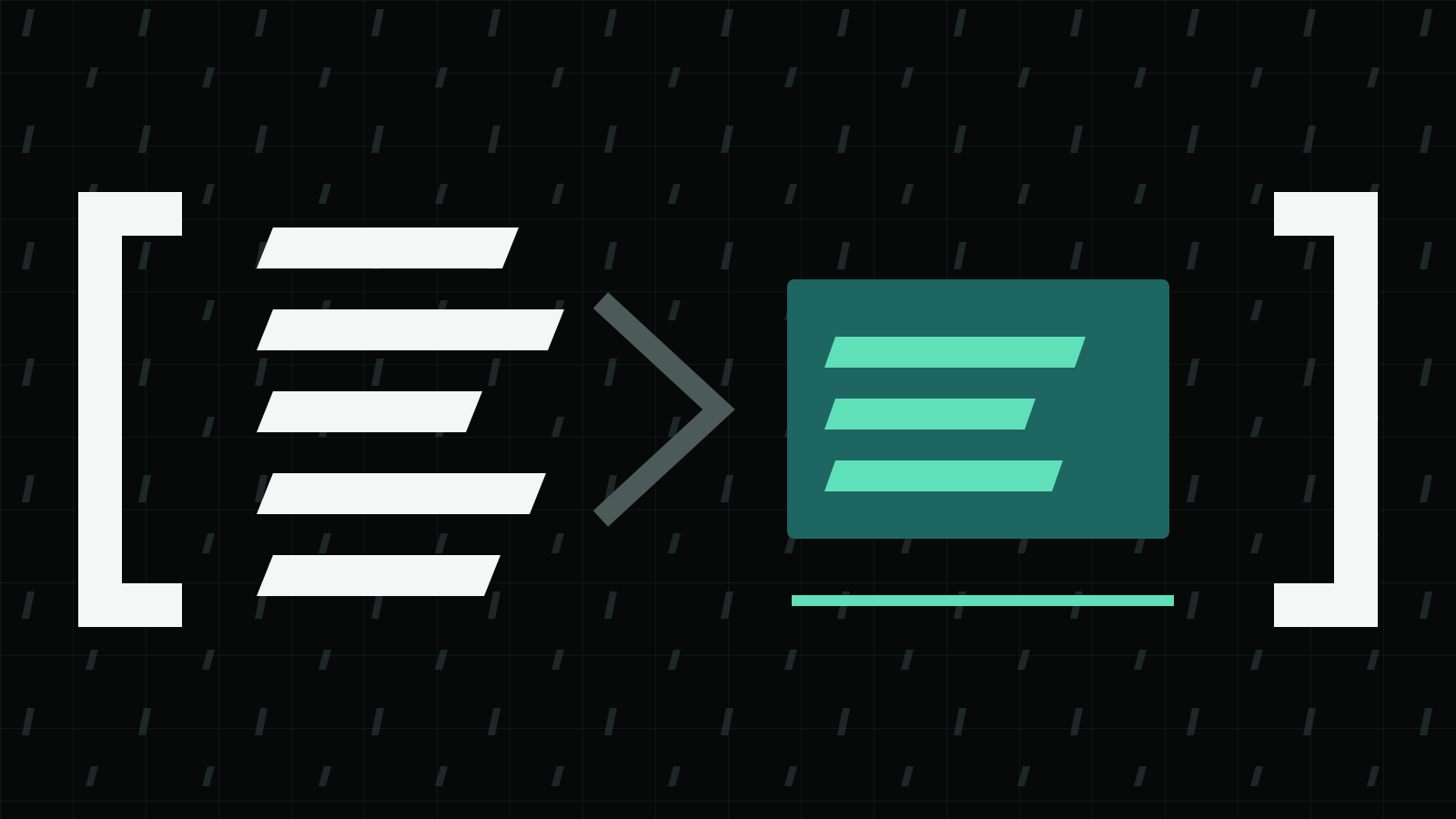
Claude Code compact reduces a long conversation to a summary so you can continue working. Start with /context to see what occupies the window, then run /compact with a specific focus. For unrelated work, use a fresh conversation rather than carrying the old task forward.
Applies to: Claude Code documentation checked October 14, 2026. This guide describes documented behavior, not a local performance test.
On this page
Inspect the window before choosing a command
A conversation includes more than the messages visible in your terminal. File reads, instructions, tool information and model responses all take space. Anthropic’s context-window documentation provides the current breakdown.
Run:
/context
The command shows actual usage by category and optimization suggestions. It also identifies loaded CLAUDE.md and auto-memory files. Compare that information with the work you still need to do. A large history of an earlier investigation calls for a different response from a task whose necessary source files are themselves large.
Write down the immediate objective before compressing anything. For example: finish a particular failing test, retain the decision about a migration, or review the changed files. This makes the next prompt easier to check.
Compact with a named focus
Anthropic documents a focused compaction command:
/compact focus on the auth bug fix
Replace the focus with the actual task you need to carry forward. This is a request to guide the summary, not a guarantee that every earlier detail survives.
A useful handoff describes the unfinished action and points to durable evidence. For example, a developer working on a migration could ask the agent to retain the migration file paths, the last observed test failure and the decision that remains unresolved. These are editorial examples of useful context, not additional command options.
After compaction, ask for the next concrete action and compare it with the files and results you have. If the summary treats an attempted test as a passing test, correct it before allowing further work.
Know which instructions return
The documented recovery behavior distinguishes project instructions from conversation history.
| Content | Documented behavior |
|---|---|
| Project-root CLAUDE.md and unscoped rules | Re-injected from disk |
| Auto memory | Re-injected from disk |
| Path-scoped rules and nested CLAUDE.md | Reloaded when applicable files trigger them |
| Recently read or edited files | Up to five re-read, most recently modified first |
| Earlier hook-added context | Summarized with the conversation |
The distinction matters when an instruction must hold throughout a task. A rule that only appeared beside a file read is not the same as a persistent project-wide instruction. For instruction-file placement, see CLAUDE.md best practices and global CLAUDE.md.
Large files may return as path references rather than full content. When continuing a precise edit, read the relevant section again. Do not ask the agent to reconstruct a configuration value from an earlier paraphrase.
Choose compaction or a clean conversation
Use this decision table as a working checklist:
| Situation | Practical next step |
|---|---|
| Same task, long investigation | Compact with the unresolved objective |
| A specific source detail matters | Re-read the exact file or source before using it |
| New, unrelated task | Start clean and supply the new task’s inputs |
| Instructions appear absent | Inspect loaded memory and instruction files |
| A background operation may still be running | Check its actual state before starting another |
Anthropic documents /clear for switching between unrelated tasks and says background commands and background subagents keep running across compaction. A smaller conversation therefore does not establish that an operation has stopped. Check the operation’s own result.
For stored session files and retention, see where Claude Code stores data. Context management and deleting stored session data are separate jobs.
Make the continuation verifiable
Before a long task reaches compaction, retain evidence in the place where the work belongs: saved code, a test result, a source URL or an approved project note. Avoid placing credentials in a handoff summary.
After the summary, check three things:
- State: which changes are actually saved, and which are only proposed?
- Evidence: which test or read produced the last recorded result?
- Next action: which exact file or failing case should the agent work on now?
A short, accurate answer to those questions is more useful than a transcript-length recap. If a result is unavailable, keep it unresolved. Compression should reduce repeated background, not turn uncertainty into completion.