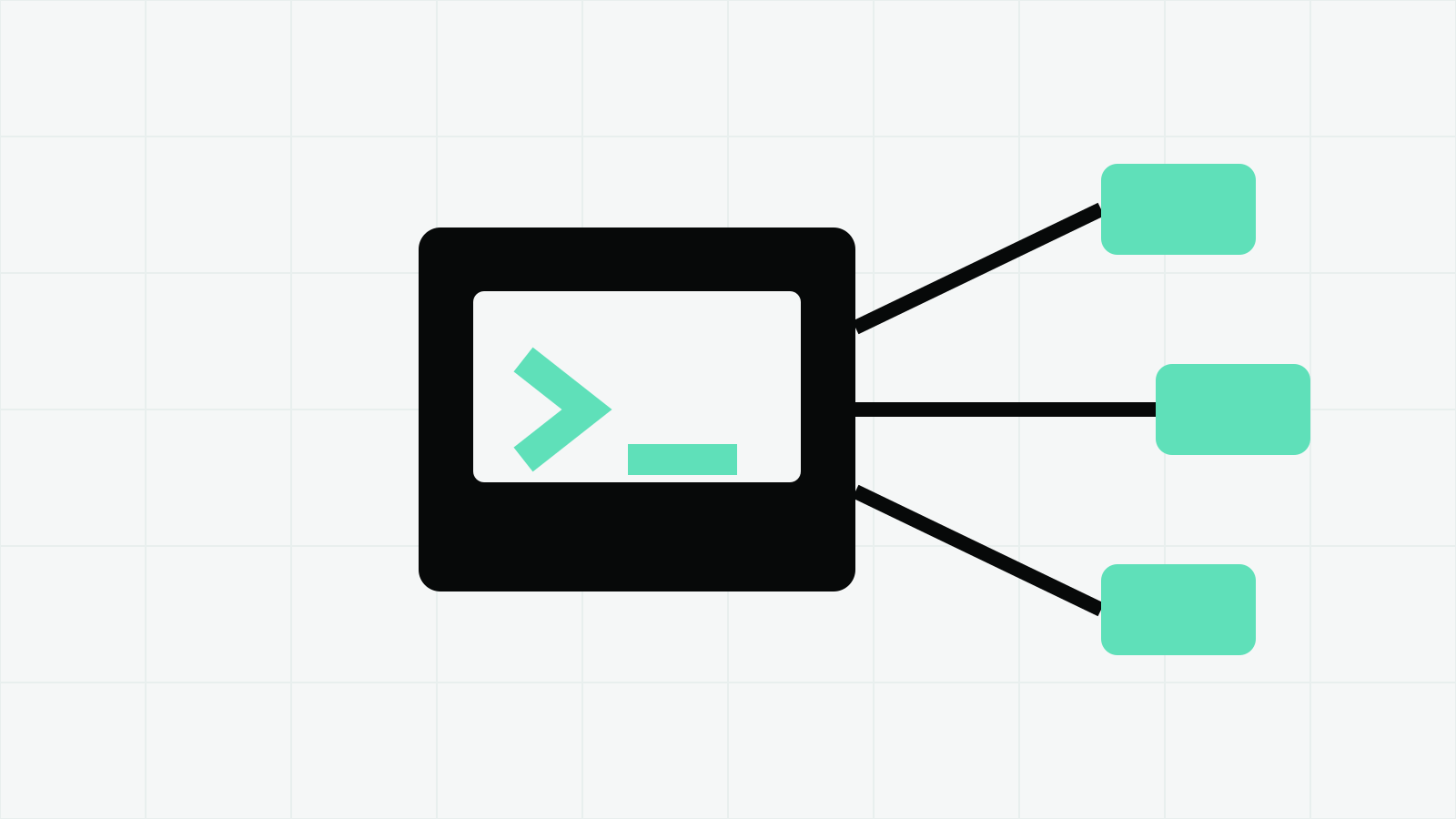
Serve Claude Code as MCP by running claude mcp serve, then configure the client for stdio. The client launches the process, controls approvals and should limit consequential tool calls.
This guide reflects Anthropic’s Claude Code MCP documentation checked on October 8, 2026.
On this page
Start the local server
Run the command in a terminal:
claude mcp serve
There is no web address and no success page. Stdio servers exchange messages through standard input and output. A silent process is therefore expected; closing that process stops the server.
This is different from adding an external server to Claude Code. For that direction of the connection, use claude mcp add and the setup in our Claude Code MCP guide. Here, Claude Code itself is the server.
Add Claude Code to an MCP client
Anthropic documents this Claude Desktop configuration:
{
  "mcpServers": {
    "claude-code": {
      "type": "stdio",
      "command": "claude",
      "args": ["mcp", "serve"],
      "env": {}
    }
  }
}
The client starts the claude executable with the two arguments mcp and serve. Restart the client after saving its configuration so it can launch the new process.
Other MCP clients use the same three pieces of information: stdio transport, the Claude Code executable and the argument list. Put them into that client’s own server configuration format rather than copying the surrounding Claude Desktop JSON blindly.
Fix “spawn claude ENOENT”
An MCP client may not inherit the same shell PATH as an interactive terminal. If it cannot find claude, Anthropic recommends locating the executable:
which claude
Then replace the command with the full path:
{
  "mcpServers": {
    "claude-code": {
      "type": "stdio",
      "command": "/full/path/to/claude",
      "args": ["mcp", "serve"],
      "env": {}
    }
  }
}
On a managed machine, confirm that the path is available to the user account that runs the client. Do not place tokens in a repository or in a configuration file other people can read.
What the server exposes
The documented purpose of claude mcp serve is to expose Claude Code’s tools to an MCP client. It is not described as a proxy that republishes every separate MCP server already configured inside Claude Code.
That distinction matters. If a team wants the same external servers in several projects, use project-scoped MCP configuration for those servers. If a client needs Claude Code’s own file, shell and editing capabilities, mcp serve is the relevant command.
Browse reviewed integrations in the MCP server directory, then check each server’s transport and authentication requirements before connecting it.
Keep the approval boundary in the client
Anthropic’s documentation places confirmation for individual tool calls with the MCP client. Do not treat the server process as a blanket approval to read files, run commands or make edits.
A safe client setup should:
- show the tool name and arguments before consequential calls;
- limit the working directory where the client supports it;
- keep secrets out of tool arguments and logs;
- require confirmation for shell commands and writes;
- stop the server when the session is no longer needed.
MCP changes how the tools are transported. It does not remove the need to decide what those tools may do.
Quick check
If the connection does not appear:
- Confirm the configuration is valid JSON.
- Restart the MCP client.
- Run
claude mcp servemanually and confirm the process stays open. - Replace
claudewith its full executable path. - Inspect the client’s server log for a launch or permission error.
- Remove any unsupported fields copied from a different client’s format.
Do not interpret a quiet terminal as a failure. For a stdio server, quiet is the normal waiting state.