Orchevia is a desktop app that runs Claude Code and Codex as one fixed pipeline: plan, approve, implement, test, review in parallel, fix, then open a draft pull request. Ismael Azaran shared it on DEV Community on October 22, 2026 in a post titled I turned my Claude Code + Codex routine into a repeatable pipeline; the code is in the iazaran/orchevia repository under the Apache-2.0 license. What follows is what the author reports in the post and the README.
On this page
The routine it replaces
The author lists the steps he used to do by hand with two agents: read the ticket, ask one agent for a plan, tell it to implement, run the tests, paste the diff into a second agent for review, decide which findings matter, run the tests again and open a draft PR. In his words, he “was the glue between every step” and had no record of where things went wrong.
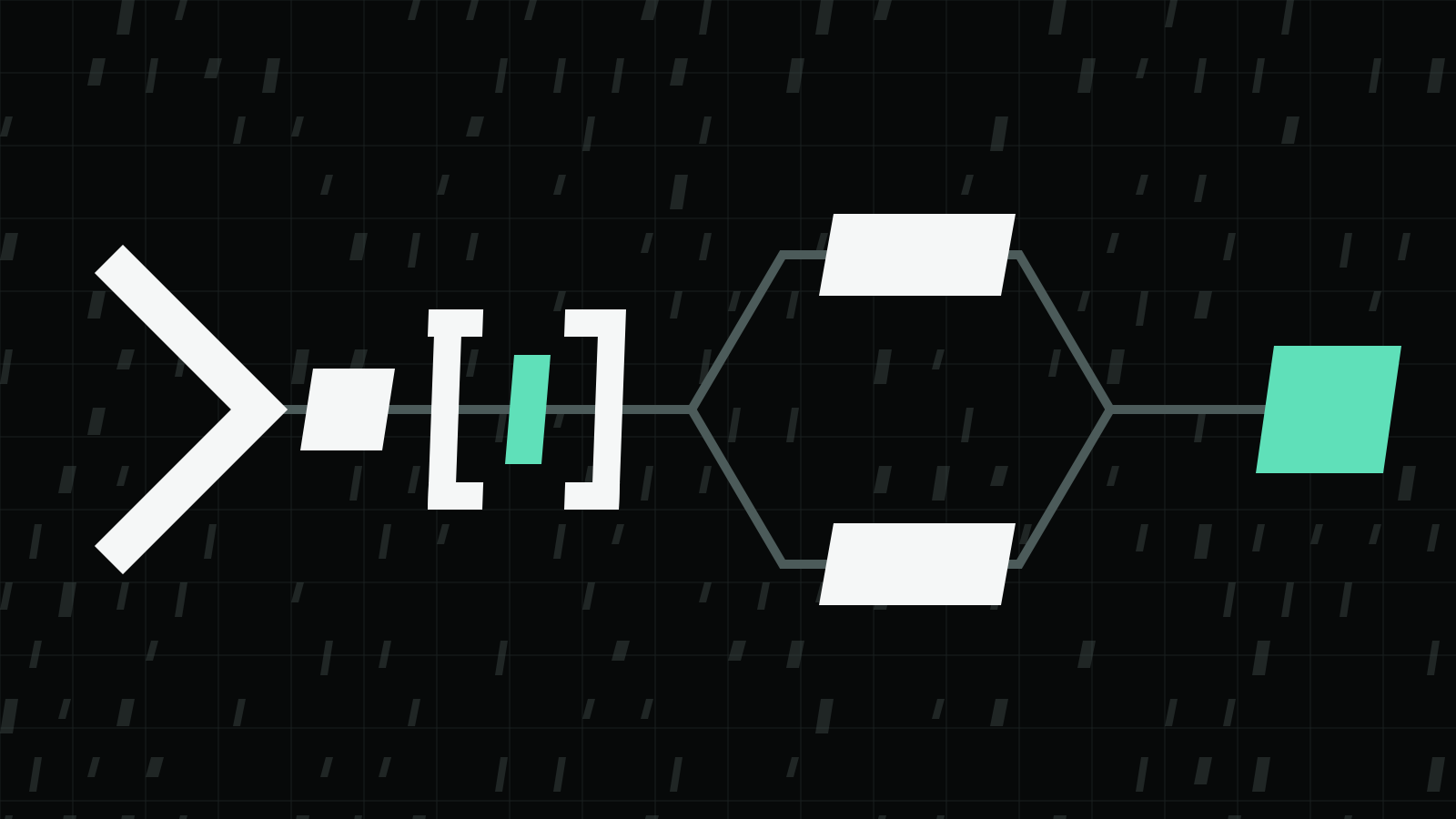
Orchevia turns that routine into a graph of nodes. The flow he says he uses most, from the DEV post:
- Ticket. Load the Jira ticket through your Jira MCP server.
- Plan. Claude writes a plan, and the run pauses for approval.
- Implement. Claude implements the approved plan, then the project’s own test command runs.
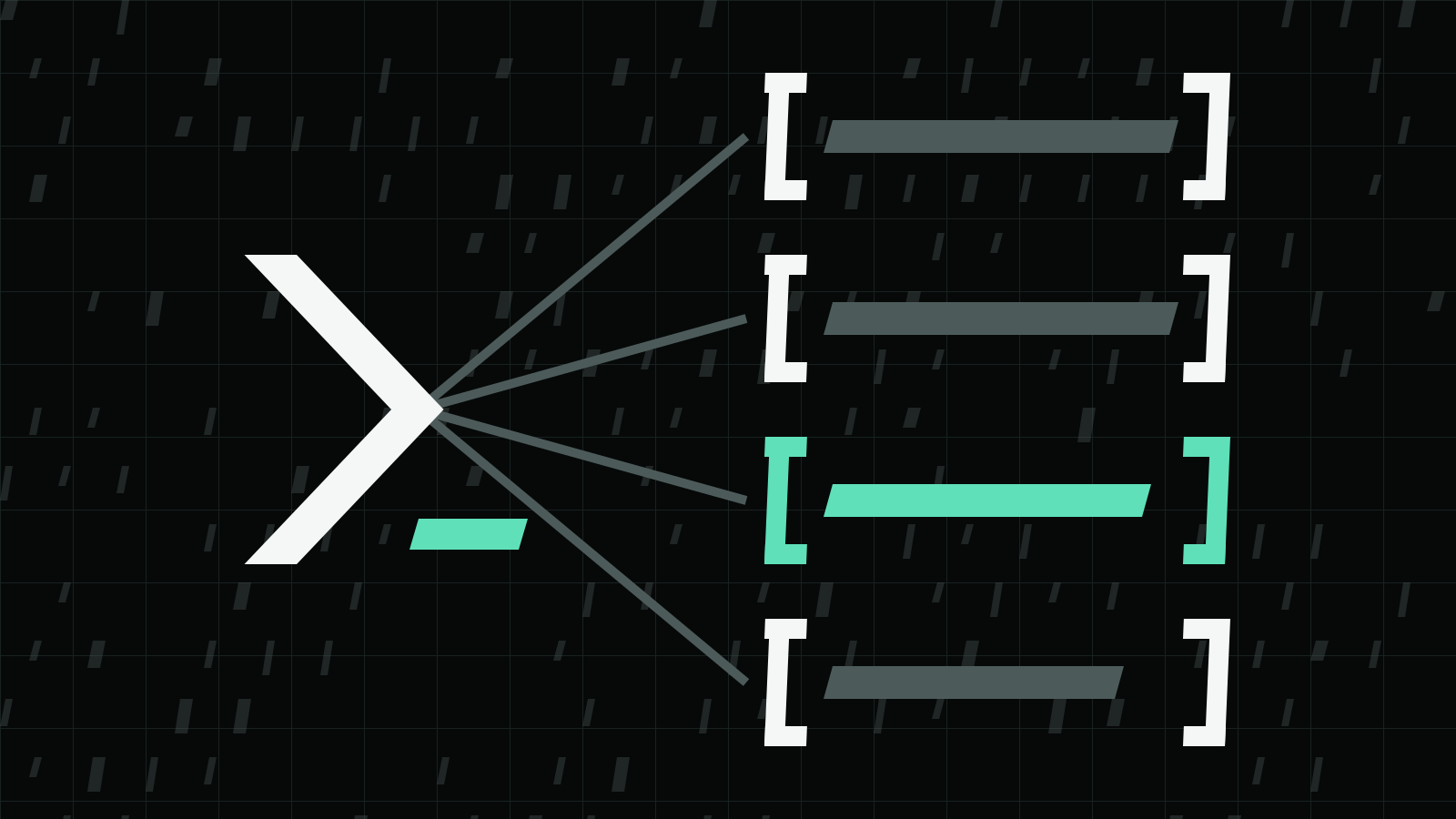
- Review. Claude and Codex review the diff in parallel, independently.
- Fix. A condition checks for P0 or P1 findings; if there are any, a fix step runs, at most twice.
- Draft PR.
ghopens a draft PR. Nothing merges; the author leaves that to a human.
The author’s argument for two reviewers: Claude and Codex miss different things, so he runs both on the same diff and normalizes their findings to P0–P3, which a condition node then reads.
How the agents are called
Orchevia does not call a model API itself. The post says agent steps run the CLIs you already installed and signed in to, with the prompt on stdin:
- Claude:
claude -p --output-format stream-json … - Codex:
codex exec --json … -
Both are the vendors’ documented non-interactive modes: Anthropic describes claude -p and --output-format in Run Claude Code programmatically, and OpenAI describes codex exec, --json and - for reading the prompt from stdin in Non-interactive mode and the codex exec reference. Git and GitHub steps use your own git and gh, and workflows and run history are stored in local SQLite, according to the README.
Permissions in headless runs
The README points out that headless Claude Code and Codex cannot ask for permission mid-run, so Orchevia asks you to decide once: let agents work without asking (full access), or keep each CLI’s own settings. With the CLI settings, a refused tool fails the step and shows the allow rules to add. The README also states that steps run with your user permissions and are not sandboxed, and that Codex reports no refusal events, so refused tools in Codex steps are not detected.
The vendors’ own warnings apply to the full-access choice. OpenAI’s non-interactive docs say codex exec runs in a read-only sandbox by default, recommend the least permissions a workflow needs, such as --sandbox workspace-write, and say to use danger-full-access only in a controlled environment such as an isolated CI runner or container. For the permission-skipping modes of each tool, see Codex dangerously skip permissions and claude --dangerously-skip-permissions.
Other parts of the setup
The post and README describe:
- Generate. Write a goal as a short spec and your own Claude Code or Codex drafts the workflow; a preview lists every step and its risk categories, and nothing runs until you accept it and press Run.
- Templates. Nine built-in templates, from implementing a task to reviewing a pull request and turning a ticket into a PR.
- Dry run. Runs the routing against fixtures without executing anything.
- Schedules and watchers. Interval, daily, weekly or cron schedules, plus GitHub watchers for review requests, new commits and new review feedback. Anything that writes needs a trust opt-in per schedule, and schedules run only while the app is open.
Install
The README lists macOS (Apple Silicon and Intel) and Linux x86_64 builds as a beta; Windows is not supported yet, and macOS builds are not notarized, so the first launch needs Open Anyway. For Debian and Ubuntu, the README gives this apt setup:
curl -fsSL https://iazaran.github.io/orchevia/apt/orchevia-archive-keyring.gpg | sudo tee /usr/share/keyrings/orchevia-archive-keyring.gpg > /dev/null
echo "deb [arch=amd64 signed-by=/usr/share/keyrings/orchevia-archive-keyring.gpg] https://iazaran.github.io/orchevia/apt stable main" | sudo tee /etc/apt/sources.list.d/orchevia.list
sudo apt update && sudo apt install orchevia
Before the first AI run, the README says to install and sign in to Claude Code or Codex yourself; the setup wizard then detects git, gh, claude and codex on your login shell’s PATH and creates recommended profiles.
For the review commands built into each tool, see Claude Code Review.