Short answer
Cursor checkpoints let you restore files to an earlier point in an Agent conversation. Preview the chosen state before restoring, and save any work you want to keep in Git first.
On this page
Applies to Cursor Agent. Documentation checked October 20, 2026.
Cursor checkpoints are useful when an Agent task has gone in the wrong direction across several files. For a small mistake, reviewing the diff and keeping the useful edits may be less disruptive. The choice depends on how much of the current work you want to retain.
Choose the right recovery method
| Your situation | Start here | What to inspect |
|---|---|---|
| One change looks wrong, while the rest is useful | Review the diff | The specific lines and surrounding behavior |
| Several Agent edits should be rolled back together | A checkpoint | The earlier state and every affected file |
| You need a durable record of work you have reviewed | Git | The staged snapshot before committing |
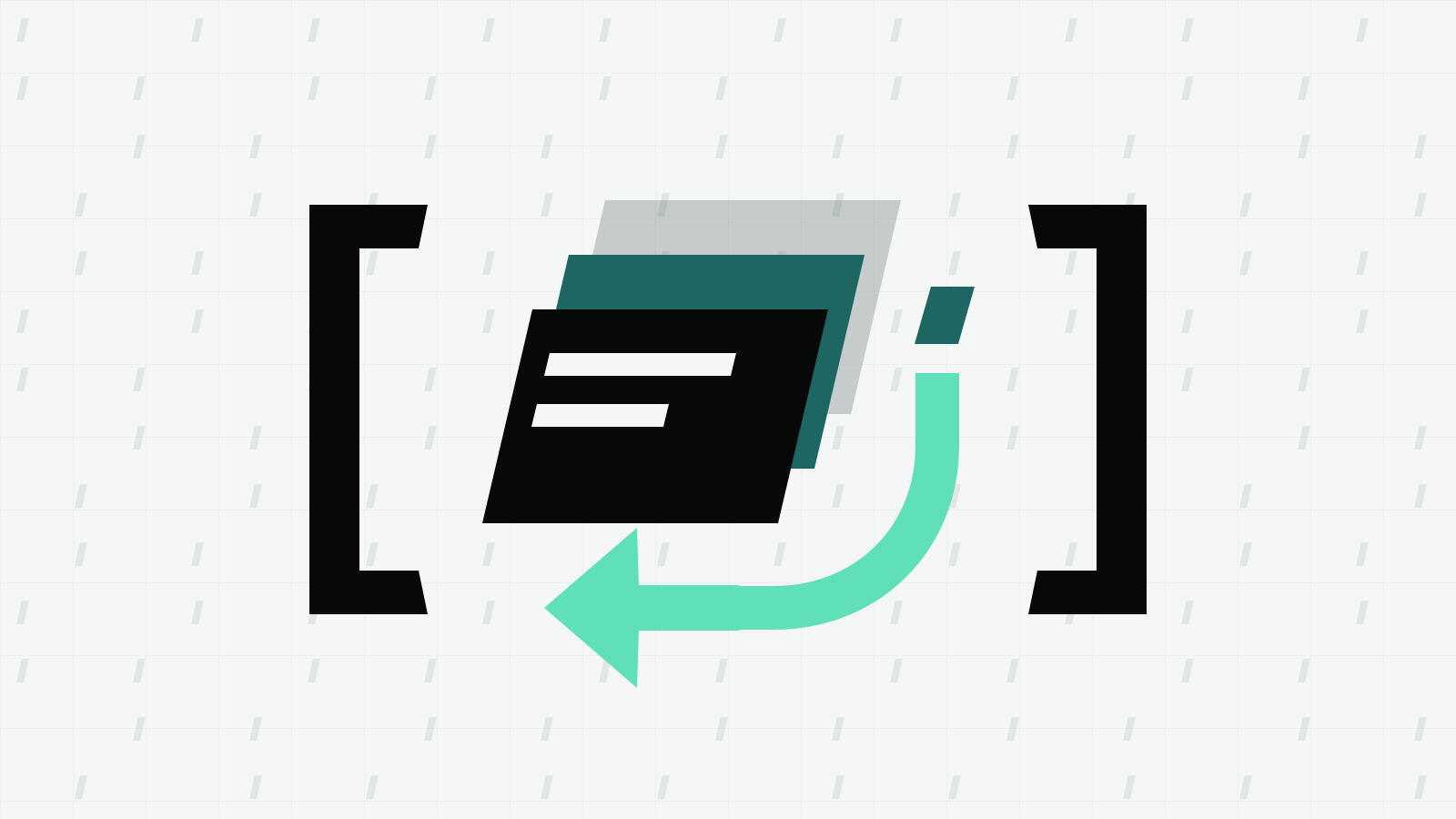
Cursor describes checkpoints as local snapshots created before significant Agent changes. They are separate from Git and cover Agent changes; they should not be your only record of work. See the official Agent overview.
Before choosing a rollback, write down the behavior that failed. “The checkout button now submits twice” gives the next attempt a useful constraint. “The code got worse” leaves both you and the Agent guessing about which edits matter.
Restore from an earlier request
Use this sequence when the unwanted work belongs to an identifiable Agent request:
- Stop the current task. Letting another task change the same files makes the recovery decision harder. Cursor documents a stop control in its reviewing and testing guide.
- Save what you want to keep. Inspect your current changes and make a reviewed Git commit where appropriate. Keep credentials and generated files out of that commit.
- Find the earlier request. Hover over a previous message and look for Restore Checkpoint at its bottom right. Cursor’s Agent troubleshooting page describes this control.
- Inspect the proposed state. The checkpoint timeline also supports previewing a checkpoint before restoring it. Choose the point before the unwanted Agent changes, rather than selecting one solely because its time looks familiar.
- Restore, then review the result. Check the affected files and run the relevant checks before starting another edit.
The checkpoint documentation says restoration changes files while preserving the conversation. After restoring, make the next instruction explicit about what should happen differently. The earlier messages remain available, so a short explanation of the failed approach helps establish the next task.
Check the Git state before a broad rollback
The Git book documents these read-only inspection commands:
git status --short
git diff
git diff --staged
Run them from the repository you are working on. git status --short gives a compact view of file states. git diff shows unstaged changes, while git diff --staged compares the staging area with the last commit. One diff alone does not describe every change in the repository.
Git records the staged snapshot when you commit. A file edited again after staging has additional unstaged work, and an untracked file needs to be added before Git includes it. Review the actual snapshot you intend to preserve. These distinctions are covered in Recording Changes to the Repository.
For example, you might want to keep a manually written regression test while discarding an Agent rewrite. Save the useful test deliberately before attempting a broad restore. Do not assume a conversation checkpoint is a permanent backup of every edit in the working tree.
Make the next attempt easier to review
After recovery, give the Agent a smaller task with an observable result. A hypothetical instruction could ask it to change only the checkout handler and preserve the existing form behavior. Name the relevant files and describe what a successful result should do.
Cursor’s troubleshooting guidance recommends specific requirements and Plan mode for work involving many files. Repeated project constraints can live in Cursor rules, while a single repair usually benefits from a focused request.
Review the replacement diff while the work is still understandable. Cursor’s reviewing and testing guide recommends combining code review with tests and other checks. Passing tests support a decision; they do not establish that the requested behavior is correct. Check the user-facing case that prompted the rollback.
If your main question is how the editor fits your existing workflow, see Cursor or VS Code.